Hello SPE INSIDERS, today we are launching SPE 5.0 (08.W.7C-build.23.05/25) BETA for all users!
News and improvements are organized in two areas: resources and corrections.Follow below the main changes of this version.
New features gradually released
This update brings a lot of bug repair and performance improvements, but also new features!
- New PDF Toast Converter
New functionality:
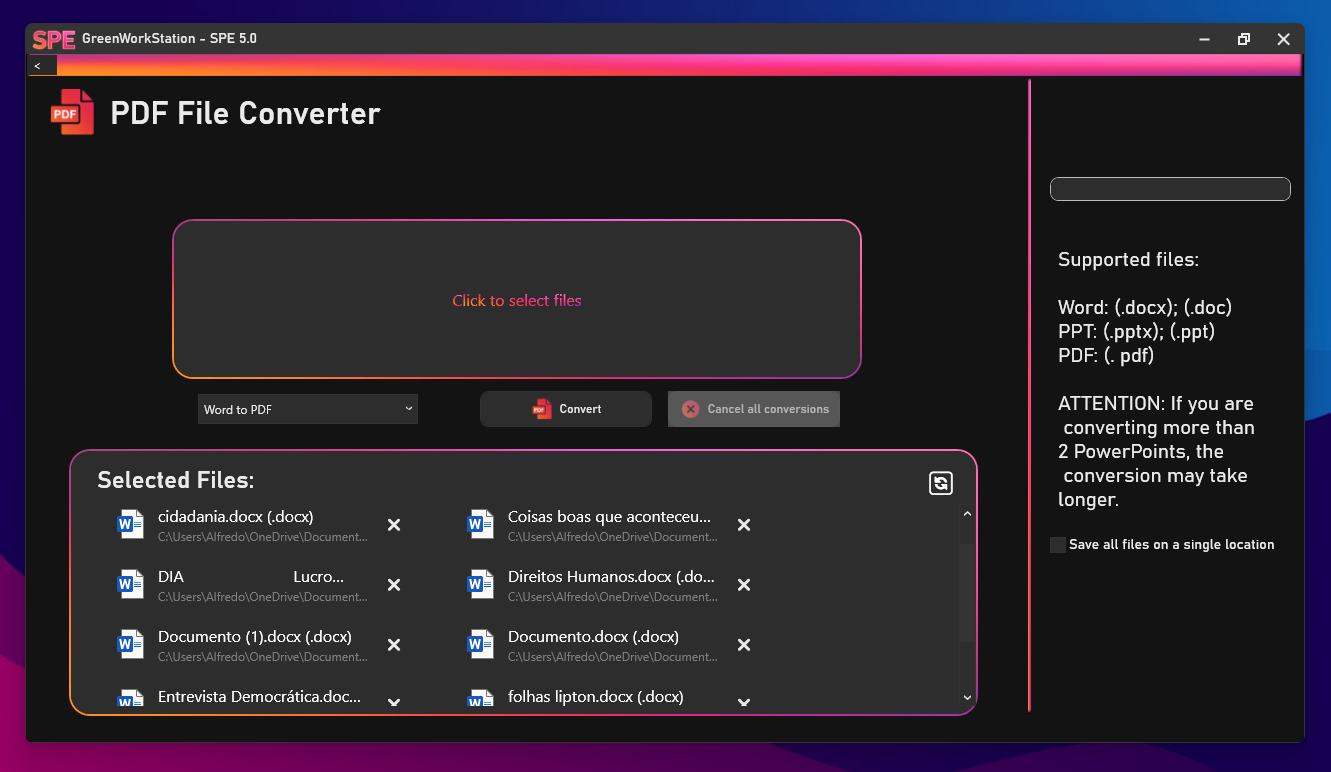
Introducing the PDF Toast Converter...
A native PDF converter in SPE 5.0, with this powerful tool you can convert Microsoft Word and Microsoft PowerPoint files to PDF in less than 10 seconds (depending on the amount of files), and the same can be done the other way around, from PDF to Microsoft Word and Microsoft PowerPoint! No more useless websites full of ads and cookies! In SPE 5 you can convert in seconds safely and easily!
- Convert all Microsoft Word and Google Docs files to PDF
- Convert PDF to Microsoft PowerPoint and Microsoft Word
- Ultra fast and easy to use
- Select one or multiple files to convert
Other things added:
- Toast UI 3.2 is being implemented
- New Tab in configurations (User Preferences)
Fixed:
- Visual Fixes in PDF Converter and Settings (Toast UI 3.2)
- [CRITICAL FIX]: Users were reporting problems installing SPE 5.0
Known Issues:
- When trying to open SPE 4.1, error 201 (file not found) appears
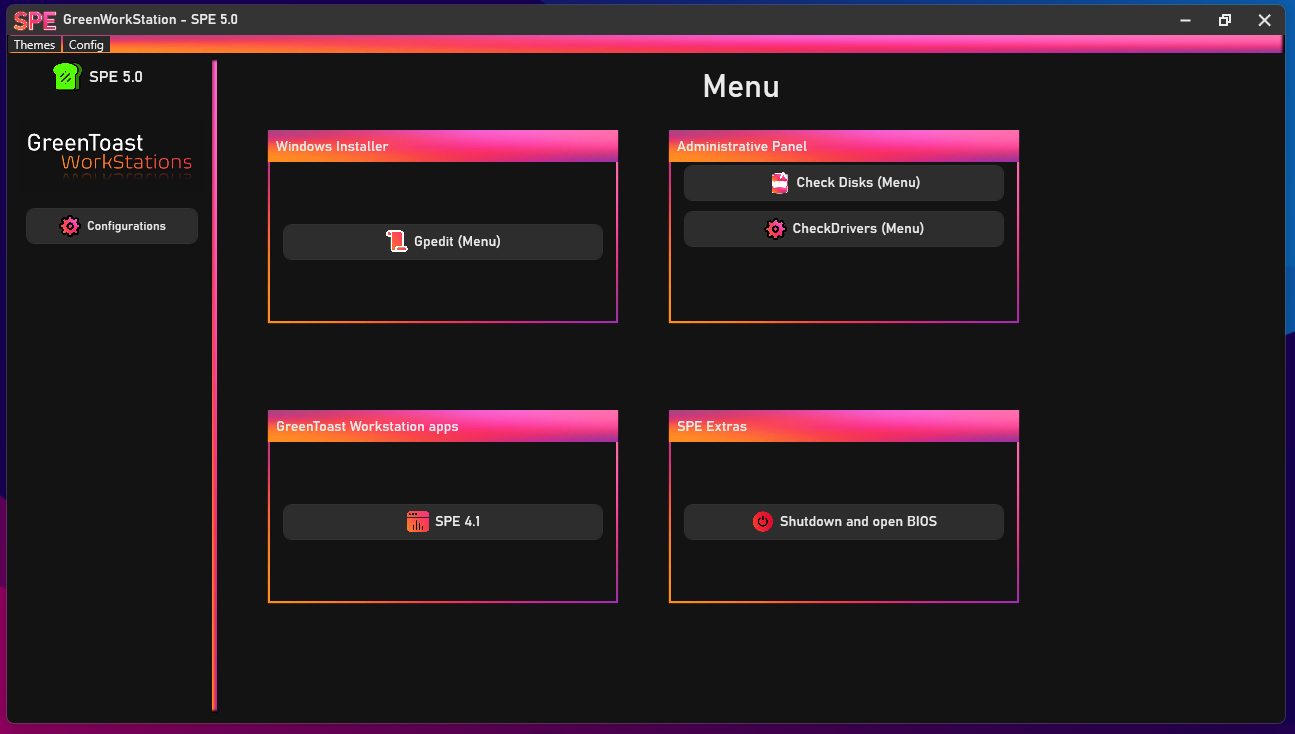
- The Gpedit, CheckDisk and CheckDrivers menus have several problems (will be fixed in the next versions).
How to obtain new features?
- Install the new version of SPE from GitHub
Keep following the blog for more news and tips!